Billing & Subscription Management
You can manage your subscription and billing settings from the Billing section in your Knowatoa dashboard.
Once logged in, click the Accounts link on the top left.
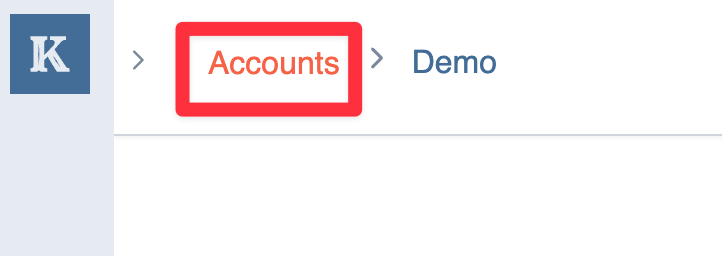
NOTE: If you’re a member of multiple accounts, you can just select the account you want to manage.
From there, click on the billing link on the left nav to view your billing dashboard.
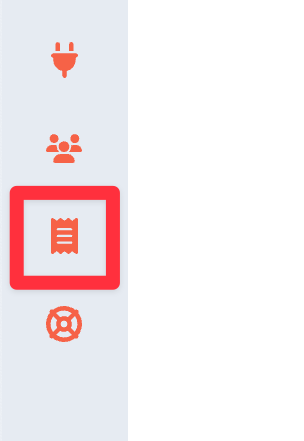
From there you can
- View your current plan
- Manage/cancel your subscription
- View your past invoices
- Edit your billing details
If you have any issues accessing billing settings or need help with a charge, create a support ticket, and our team will assist you.