Exporting LLM Data
Need to share your AI search-ranking data with clients or use it in tools like Looker Studio? Here’s how to export your LLM position data from Knowatoa as a downloadable CSV file.
Step-by-Step Instructions:
- Open your AI Search Ranking Report
-
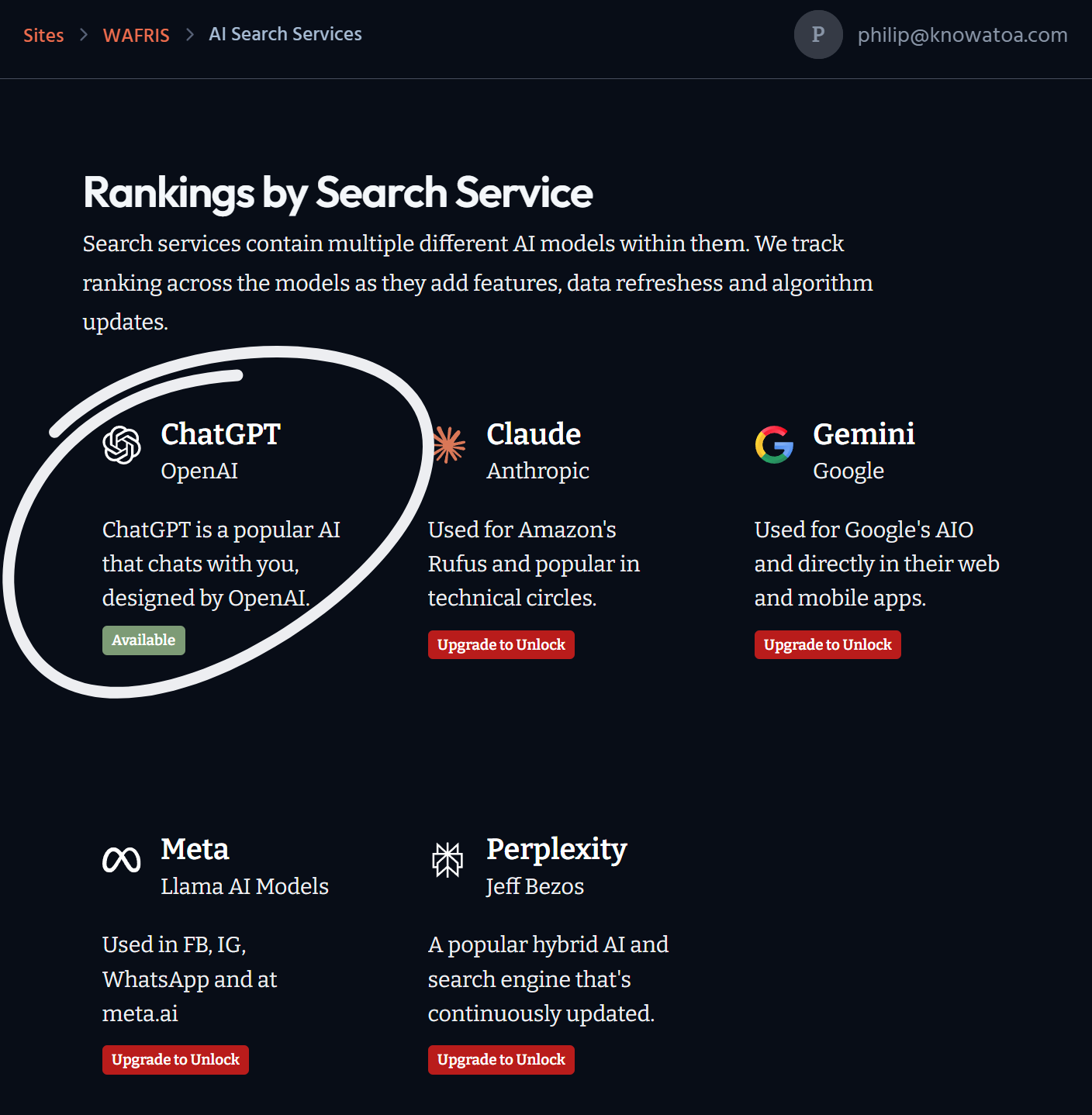
From your Knowatoa dashboard, navigate to the Rankings tab and click on any Search that is currently “Available”
-
- Note: CSV export is only available for ChatGPT reports on the Free Plan. Exporting data from other LLMs (like Gemini or Claude) requires a Paid Plan.
- Click “Export CSV”
- Inside the report view, locate the Export CSV button.
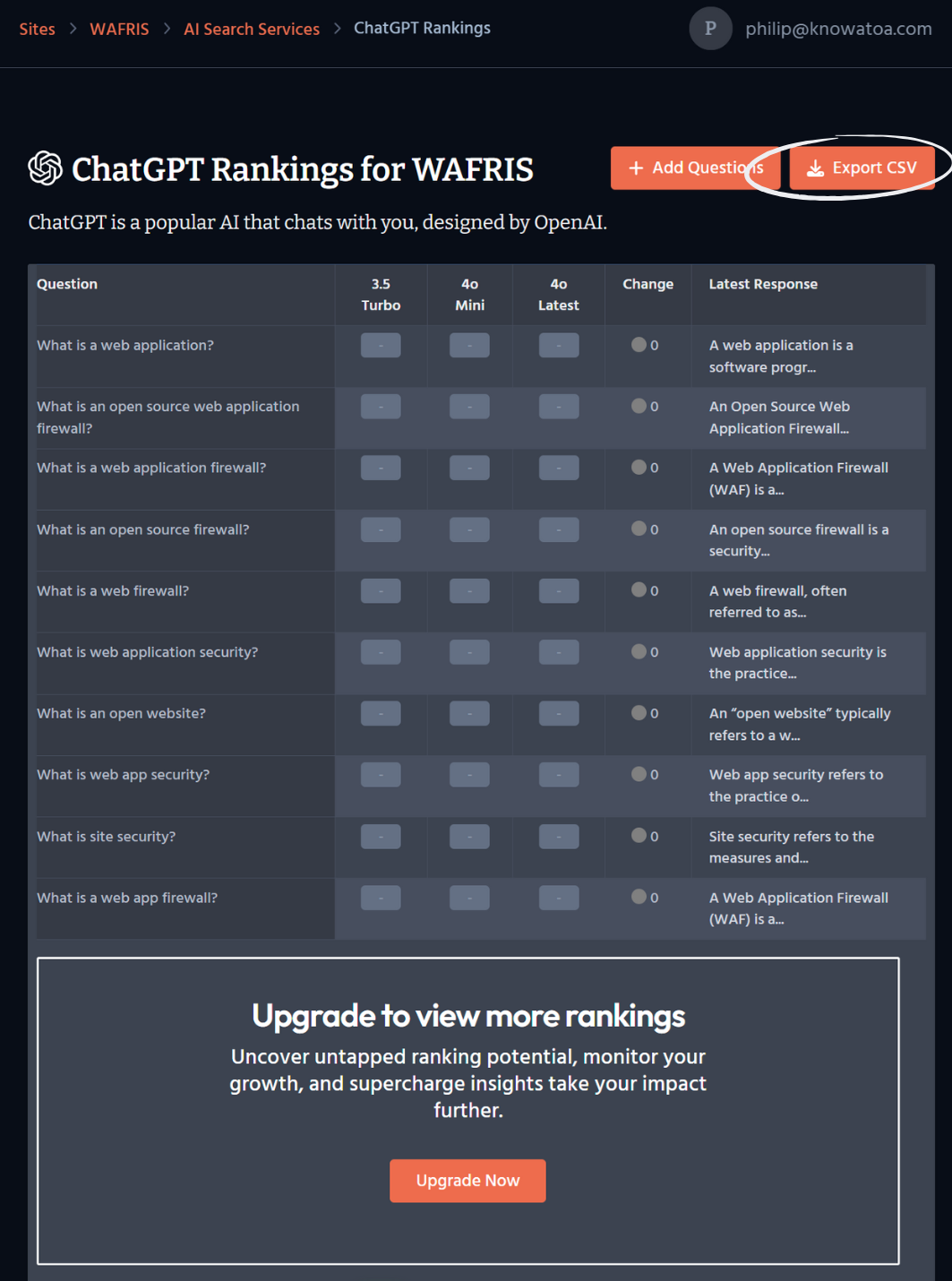
- Click it to begin generating your export file.
- Wait for the email notification
- The system will generate the CSV file in the background.
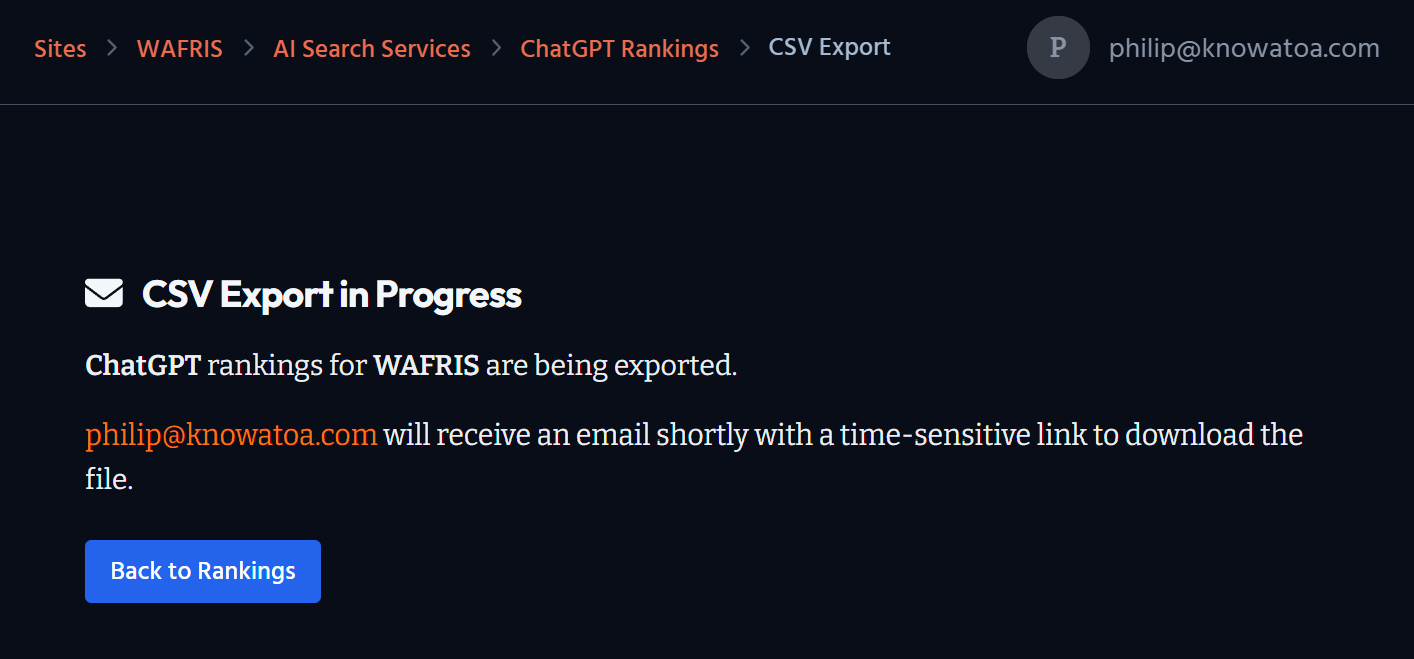
- You’ll receive an email with a download link once the file is ready.
###
What’s Included in the Export:
The export currently includes:
- The questions tracked
- How each question performs across supported LLMs
Note: Exporting the actual AI-generated responses is on our roadmap but not yet available.
Where You’ll Receive the File:
- Once the CSV is ready, you’ll get an email with a download link.
- Make sure to check your inbox (and spam folder just in case).